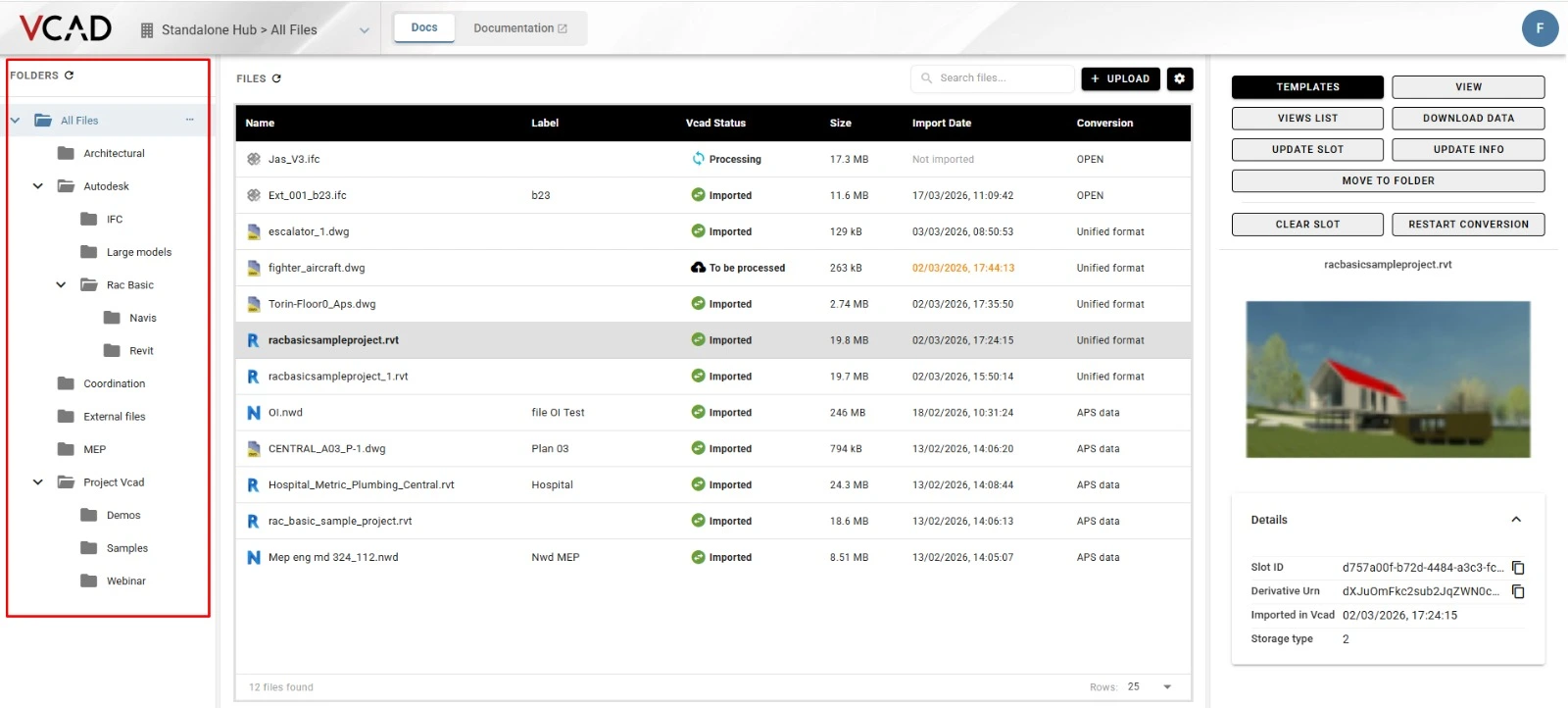
We’ve added a new feature to Vcad Standalone to improve file organization. The platform now supports multiple folders and subfolders, letting you create a custom structure that matches your project needs.
Why this matters
Over time, models, documents, and imported content pile up. A custom folder structure helps you:
- Find information faster
- Stay in control of your workspace
- Scale projects efficiently
- Organize files your way
This feature makes your experience more structured and intuitive.
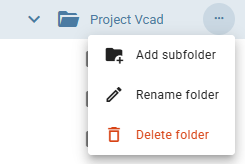
The new folder management system lets users organize content by operational logic. Structure files by project, discipline, client, work phase, or any other need. You can create subfolders and build a clear, intuitive hierarchy.
Vcad Standalone now lets you move imported files between folders. Your structure evolves over time without constraints. You work more dynamically. Files aren’t locked to their initial location. Reclassify and reposition them as projects change or team requirements shift.
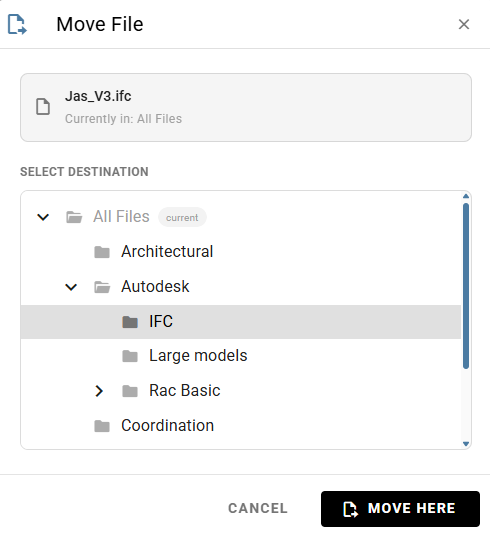
This enhancement makes Vcad Standalone more effective. You manage models and data better. You also organize the environment where you collect, consult, and enhance content. This practical improvement supports a more orderly, intuitive, and scalable approach to file management.
With this release, Vcad Standalone takes another step forward. The experience becomes more flexible. It now meets the operational needs of professionals working daily with project files, models, and data.
For users who would like to explore the feature in more detail, the dedicated documentation is available here, with step by step guidance on how to create folders and subfolders, manage the structure, and move files within the Standalone environment.