BLOG
This is the Vcad blog.
Here you can find use cases, tutorials, examples and news.
Moreover, our case studies show real-world applications.
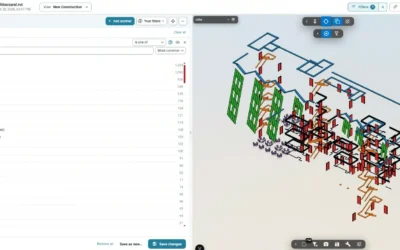
Explore BIM Model Data in Your Browser with Vcad
New in Vcad: the Model data browser shows every element and property of a BIM model in your browser…

Digital Twin in Power BI, Built with AI
A digital twin puts what the building is doing on the model of the building: which rooms are too...

Bill of Quantities in Power BI, Built with AI
A bill of quantities by level and material is one of the first things people ask of a BIM model:...

Build a 4D Report in Power BI with an AI Assistant
A 4D report links the construction schedule to the objects of the model, so you can see on the...
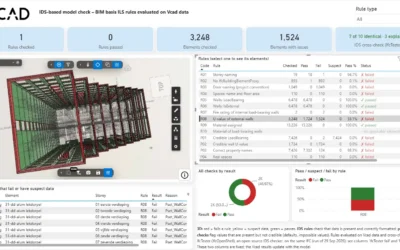
IDS Model Checking on IFC Data in Power BI
An IDS tells you whether a model carries the data it is supposed to carry. It is the open...
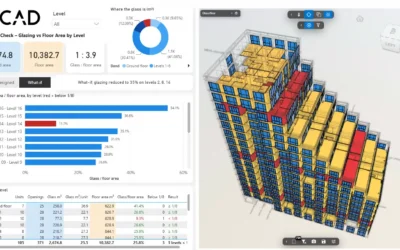
Window to Floor Area Ratio Check on a BIM Model
The window to floor area ratio is one of the first checks a residential project has to pass: in...
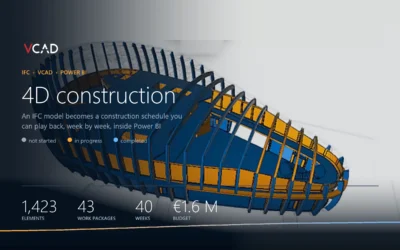
4D Construction from an IFC file with Vcad
How to build a construction progress simulation in Power BI, starting from an IFC model converted...
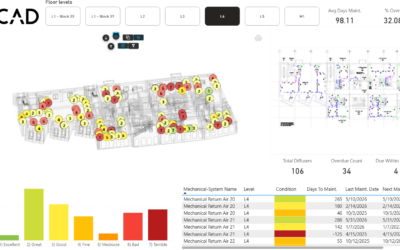
Vcad: Connect Maintenance Data to BIM models
In a large building, knowing the real condition of every mechanical component is harder than it...
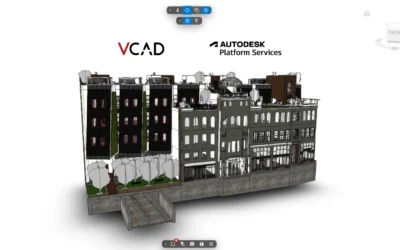
Autodesk Platform Services explained for VCAD
A BIM project usually means models in different formats: Revit, Navisworks, IFC, DWG. Each one...
Stay Up To Date With The Latest Updates

Vcad brings every property of your BIM model into ready-made Power BI reports – upload an IFC file, or connect APS or Forma.



COMPANY
Blogic s.r.l.
Via F. Mengotti, 15
00191 Rome, Italy
VAT: IT05731610720
FOLLOW US
Privacy Policy | Terms & Conditions | Cookies - ©2026 | All Rights Reserved
