A BIM project usually means models in different formats: Revit, Navisworks, IFC, DWG. Each one...
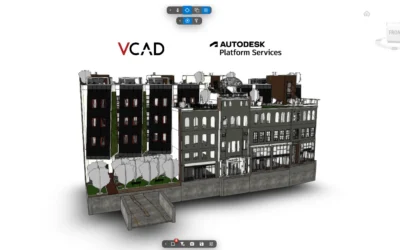
Autodesk Platform Services explained for VCAD
read more

Continue searching our blog!
A BIM project usually means models in different formats: Revit, Navisworks, IFC, DWG. Each one...
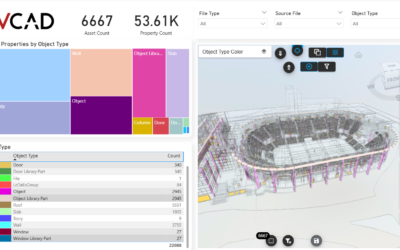
Navisworks is where BIM models come together for review and coordination, but the data stays...
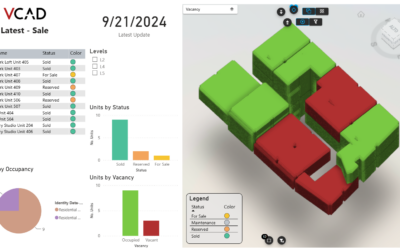
Analyzing the data in a Revit model usually means staying inside Revit. Element properties,...
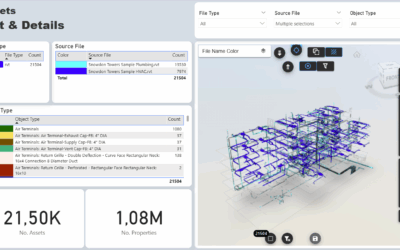
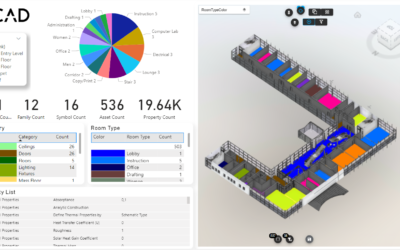
Vcad provides users with a predefined set of Power BI templates both as a starting point for...
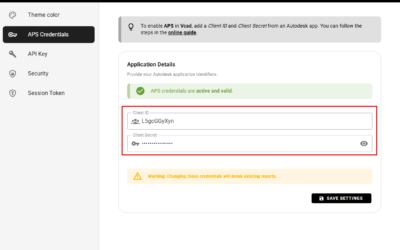
How to Connect Autodesk Platform Services to VCAD To upload and view files in Autodesk formats...
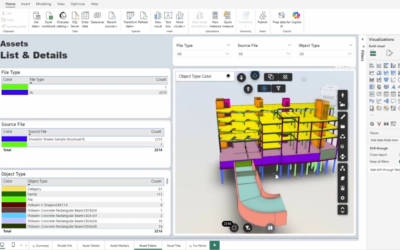
The workflow when using Vcad for Power BI is remarkably simple, we put a lot of work into making...
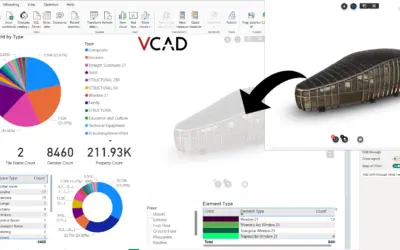
In this article, we’ll walk you through the steps to add the Vcad custom visual to an existing...
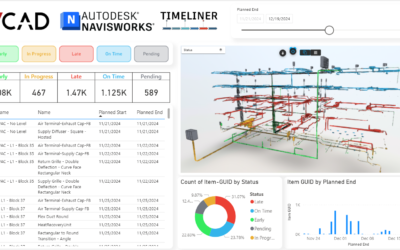
Navisworks Timeliner provides a powerful way to schedule and visualize construction tasks in a 4D...
Vcad continues to expand with new features designed to enhance BIM data management, simplify model...