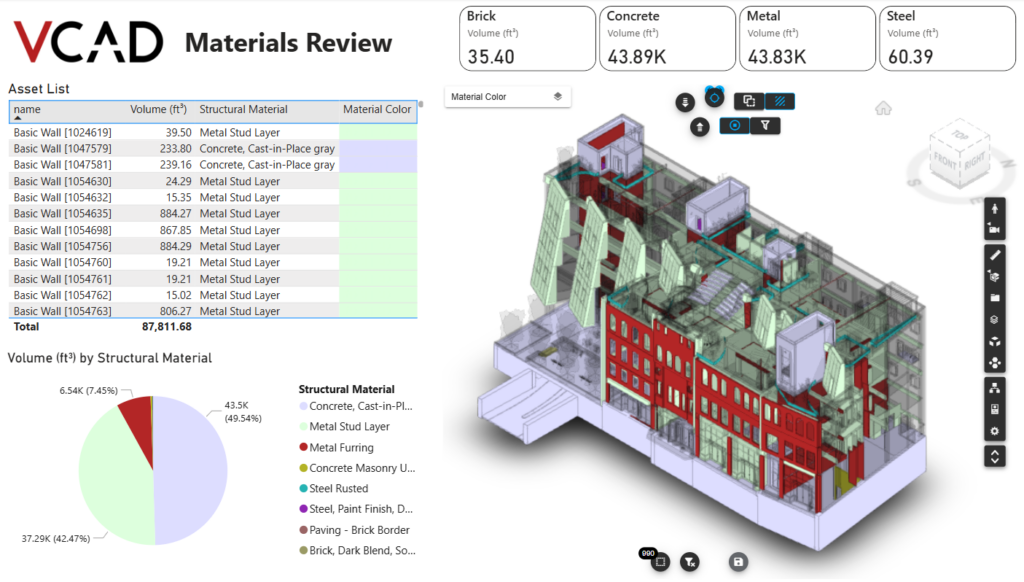
How it works with VCAD
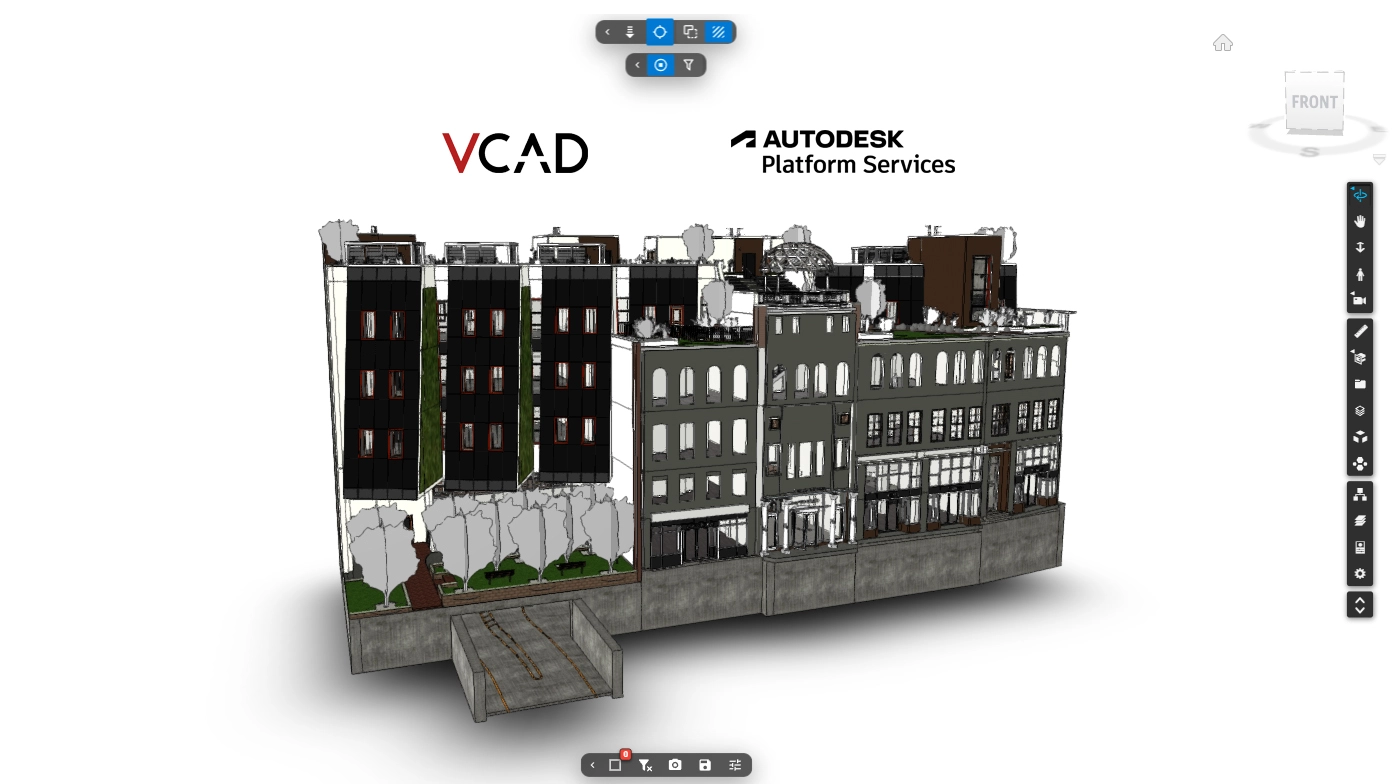
VCAD reads IFC files natively, and APS is what extends that to every format Autodesk itself supports: Revit, Navisworks, DWG, DGN, OBJ, STL. This is what powers VCAD: the model is sent to APS, which translates it, and VCAD extracts geometry and properties from it to bring into Power BI.
Whether a model comes from Autodesk Forma through Vcad, or is uploaded directly through APS in VCAD, the result inside Power BI is the same: the identical extraction and analysis pipeline runs underneath, regardless of the path the model took to get there.
Revit views and phases. Navisworks viewpoints.
Format-specific details carry through as well, not just raw geometry. From a Revit file, you can generate reports starting from any view or phase of the model, with the data corresponding to that view or phase. From a Navisworks file, VCAD makes all the viewpoints exported in the model available, so you can recall the views already saved during coordination directly in Power BI, without rebuilding them from scratch.
What you get for free
APS includes a free tier, with a monthly upload limit generous enough for regular use without running into problems, so most teams can rely on VCAD at no additional Autodesk cost while they get started.
Get started
Ready to enable it? Our guide walks through the steps to enable Autodesk Platform Services in VCAD and connect your first model.