Vcad solutions
Two ways to bring your models into Power BI.
Upload your files with Vcad, or connect your projects with Vcad for Forma.

DWG, IFC, Revit and Navisworks all run through the same extraction logic, so your dashboards stay consistent no matter the source model.


is powered by BIM and BI
One analytical core across both integrations.
Same pipeline, different connection path.
TRY VCAD FOR FREE


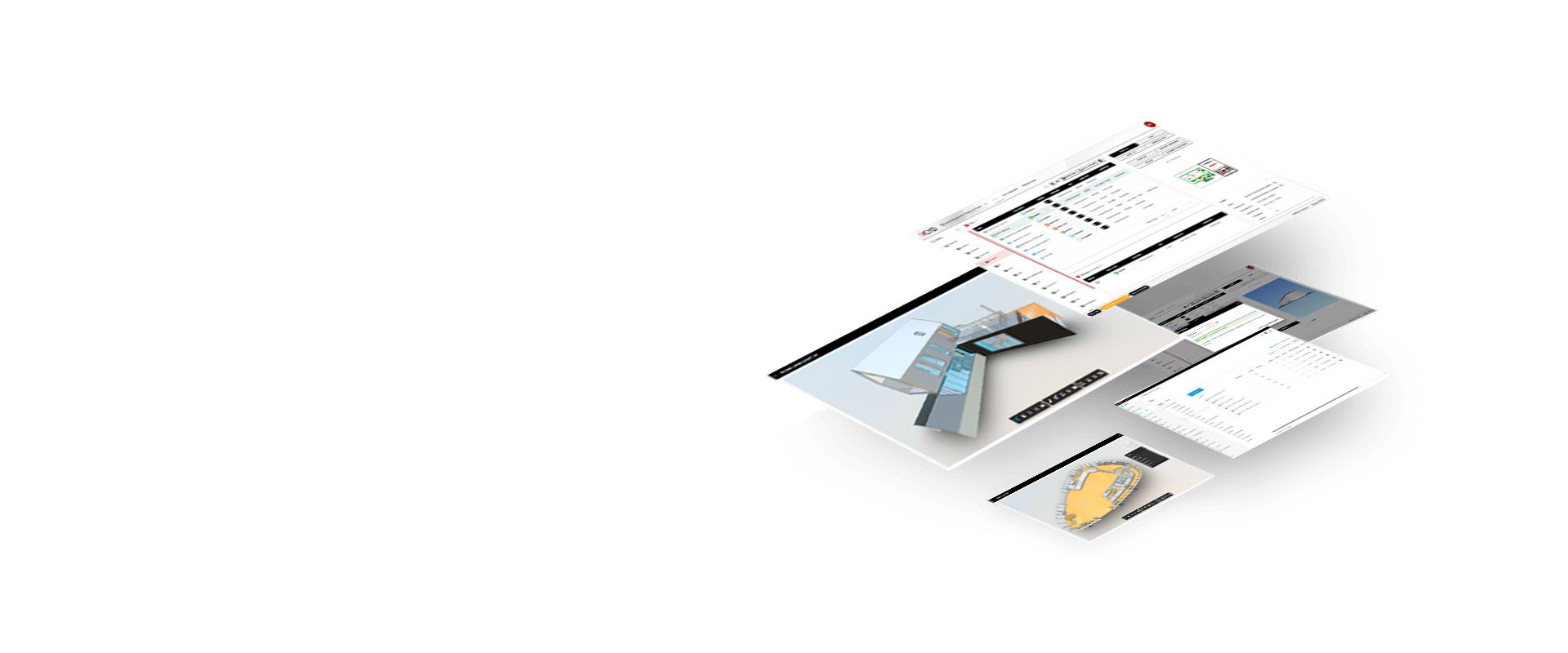
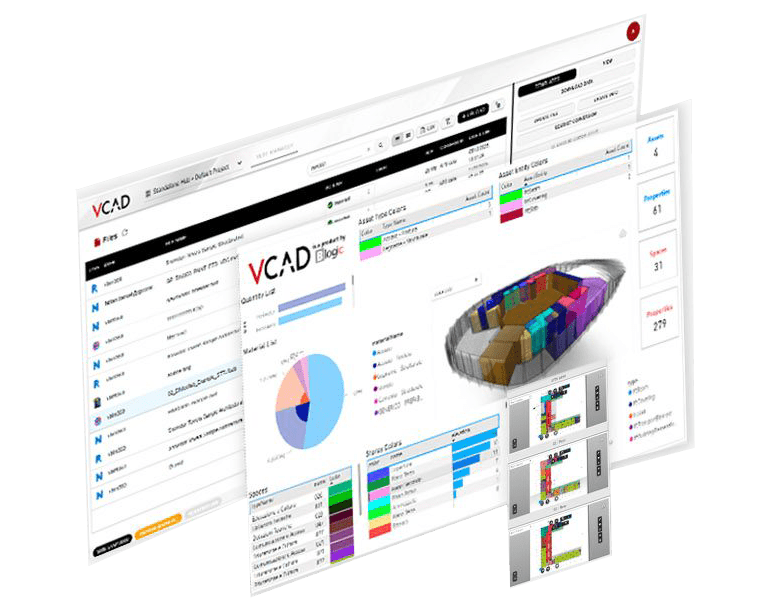

Directly connected to Forma projects, folders, and model versions, no intermediate steps or file transfers.



 Upload your files |
 Vcad for Forma: connect your Forma projects | |
|---|---|---|
| Best for | Teams that want to start now, with any model | Teams that already work in Autodesk Forma |
| How models get in | You upload your files to Vcad | Vcad reads them from your Forma projects |
| Formats | IFC works right away. Revit, Navisworks, DWG, IWM, STL and OBJ after a one-time, 10-minute Autodesk Platform Services setup | Revit, Navisworks, DWG, IFC, IWM, STL and OBJ stored in your Forma project |
| Setup | Sign up for free and upload your first IFC model. For other formats enable APS | An account admin enables the Vcad app in Forma once, then your team signs in with their Autodesk ID. See the guide |
| New model versions | Upload a new version and every report picks it up on refresh | Always in step with the newest version in Forma enabling automatic file update |
| Reports and templates | Same Power BI templates, same 3D viewer, same data structure | |
| Large models | Millions of elements and properties, with smooth navigation on the 3D | |
| AI assistant | Both work with your AI assistant through the Power BI project | |
| Try Vcad for free | Ask for a demo | |
Vcad brings every property of your BIM model into ready-made Power BI reports – upload an IFC file, or connect APS or Forma.


COMPANY
Blogic s.r.l.
Via F. Mengotti, 15
00191 Rome, Italy
VAT: IT05731610720
FOLLOW US
Privacy Policy | Terms & Conditions | Cookies - ©2026 | All Rights Reserved