BLOG
This is the Vcad blog.
Here you can find use cases, tutorials, examples and news.
Moreover, our case studies show real-world applications.
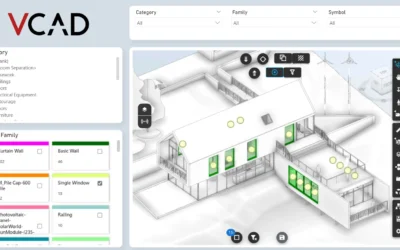
Differences between Vcad Power BI templates
After importing a file into Vcad and waiting for its conversion, the user can download Power BI...
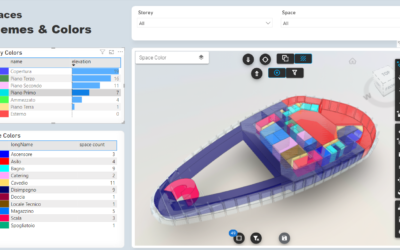
VCAD-FORGE CUSTOM VISUAL VERSION 1.4 RELEASED
The release of the Vcad-Forge (APS) custom visual version 1.4 is officially out. Starting from...
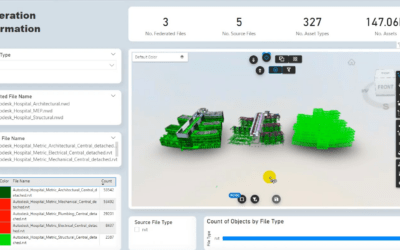
Vcad runtime federation has been released
Vcad runtime federation allows multiple BIM models to be merged into a report easily and...

Analysis of units of measurement in Vcad
In this article we look at how to manage units of measurement when using Vcad to analyze BIM model...
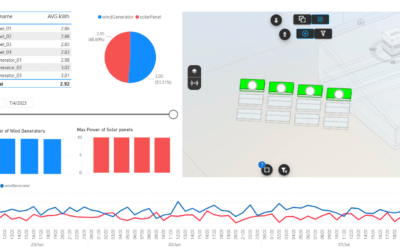
IoT dashboard with Vcad, Power BI and InfluxDB
The project described in this paper involves monitoring a power plant using PowerBI as a tool for...
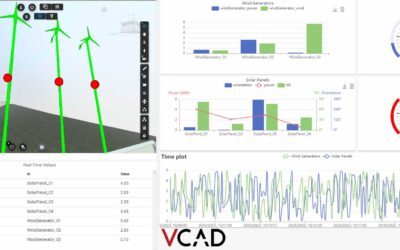
Vcad IoT: power plant monitoring dashboard
The case presented below represents a system for real-time monitoring of energy generated by solar...
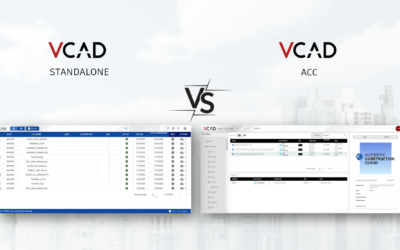
Vcad Standalone and Vcad for ACC differences
Vcad comes in two versions: Standalone and integrated with Autodesk Construction Cloud, this...
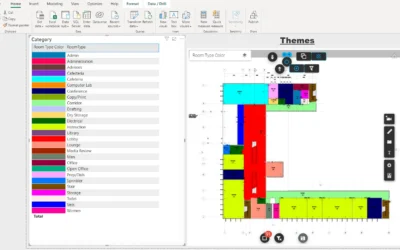
Highlight rooms in 2D views of your Revit files
In this article we will look at how to apply themes to the rooms in your 2D views in Revit...
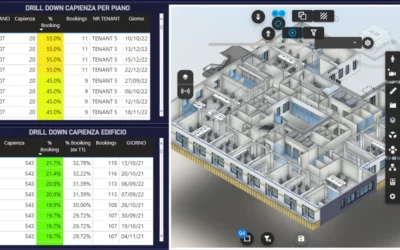
COGNITIVE DIGITAL TWIN: ADVANCED BUILDING…
COGNITIVE DIGITAL TWIN: ADVANCED BUILDING AND ENERGY MANAGEMENT IN A MULTITENANT BUILDING ...
Stay Up To Date With The Latest Updates

Vcad brings every property of your BIM model into ready-made Power BI reports – upload an IFC file, or connect APS or Forma.



COMPANY
Blogic s.r.l.
Via F. Mengotti, 15
00191 Rome, Italy
VAT: IT05731610720
FOLLOW US
Privacy Policy | Terms & Conditions | Cookies - ©2026 | All Rights Reserved