The announcement by our partner BUNG Unternehmensgruppe We are pleased to announce that we, the...

BUNG Unternehmensgruppe and Blogic together
read more

Continue searching our blog!
The announcement by our partner BUNG Unternehmensgruppe We are pleased to announce that we, the...
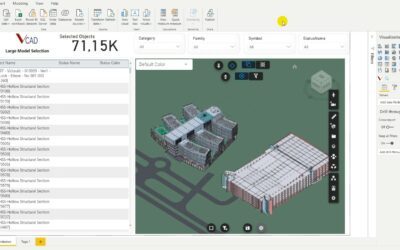
When creating a Power BI report, speed is fundamental; we don’t want our end-users to have to wait...
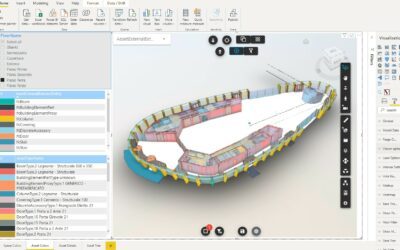
The visualization of a model by levels is very useful in the consultation of the report. In...
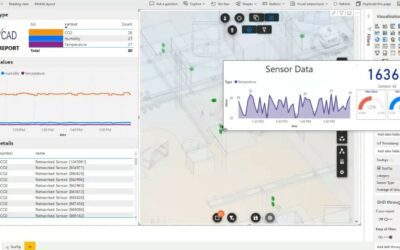
Power BI tooltips are a simple and elegant way to display more contextual data and detailed...
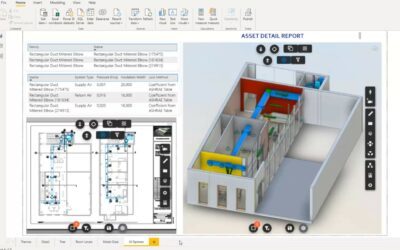
The Vcad and Autodesk Forge® selection toolbars play an essential role in the user experience of...
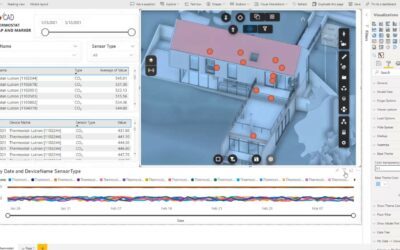
The possibility of being able to change the base colour of all elements can be very useful in...
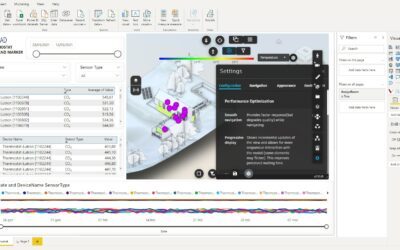
One of Vcad's new features stems from the need of users to have more control over model placement...
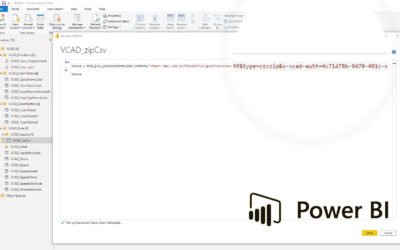
This procedure applies to Vcad templates prior to October 2023.For new reports the procedure is...
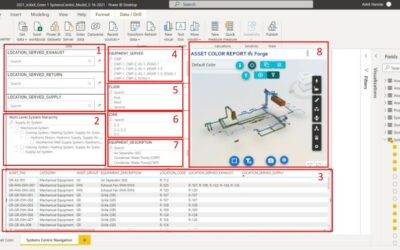
During facility maintenance emergencies it is critical that facility managers can quickly...