The Vcad and Autodesk Forge® selection toolbars play an essential role in the user experience of...
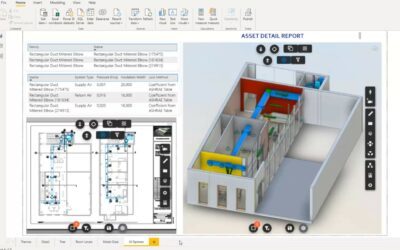
Hide Autodesk Forge® and Vcad toolbars
read more

Continue searching our blog!
The Vcad and Autodesk Forge® selection toolbars play an essential role in the user experience of...
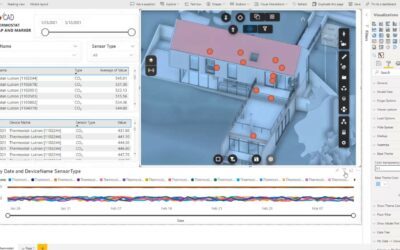
The possibility of being able to change the base colour of all elements can be very useful in...
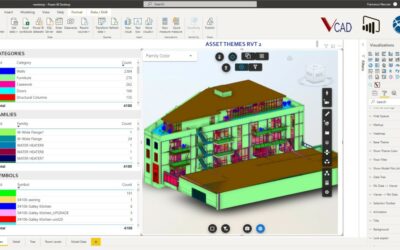
We are preparing a major new release for Vcad for Power BI® that will introduce many improvements...
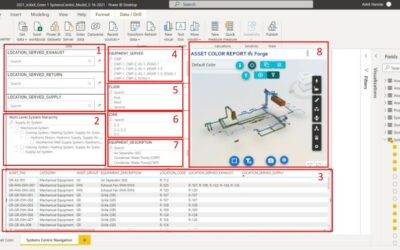
During facility maintenance emergencies it is critical that facility managers can quickly...
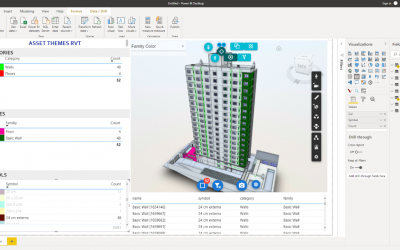
Study by Suelem Marques Introduction One of the first quotes about the concept of Building...
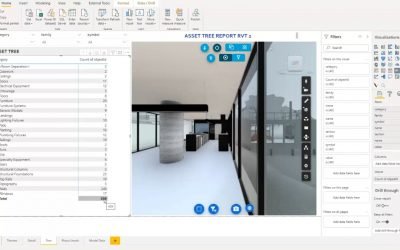
People have been asking us how they can show different Revit® views in their Power BI reports. ...
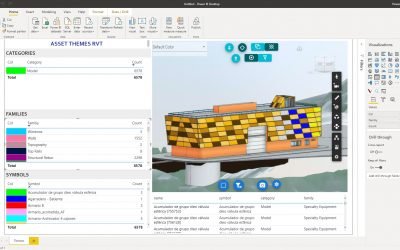
In this article we will talk about how you can merge multiple Revit files into one model and how...

Below is the video published by Jaime Rosales D., Forge Senior Developer Advocate at Autodesk, on...