BLOG
This is the Vcad blog.
Here you can find use cases, tutorials, examples and news.
Moreover, our case studies show real-world applications.
NEW FILE FORMAT. VCAD CAN NOW HANDLE .DGN FILES
What is a .dgn file? DGN is the format used for CAD files from Bentley Systems, MicroStation and...
How to start Vcad Standalone trial
If you want to test Vcad you can do it for free in a few steps. Vcad's trial account expires in 10...

Meeting with Hong Kong governative departments
Friday, March 31, 2023, we had the pleasure of organizing a meeting with Electrical and Mechanical...
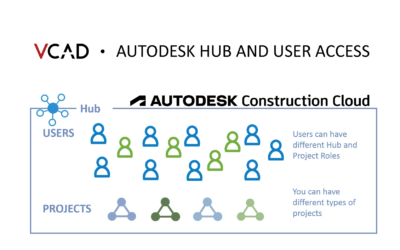
Vcad for ACC, Autodesk hub and user access
Vcad for ACC is the integration between Autodesk Construction Cloud© (and BIM360) and the Vcad...

WEBINAR: Vcad runtime federation
VCAD RUNTIME MULTIMODEL webinar, December 15, 2022 at 4:00pm CET During the webinar we will...
Power BI to leverage BIM & GIS Integration
Description BIM & GIS Integration became an essential part of large scale projects. While a...
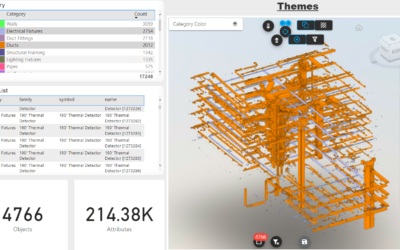
How to create your own Power BI template in Vcad
Vcad provides users with a predefined set of Power BI templates both as a starting point for...

Webinar: Quantities and materials dashboard
“QUANTITIES AND MATERIALS DASHBOARD“ webinar, October 11, 2022 at 4:00pm CET During the webinar we...
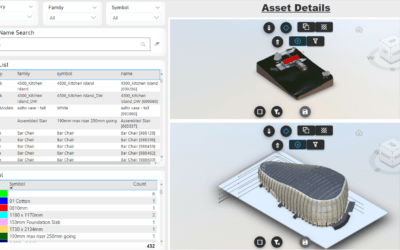
How to add more than one model in the same report
For several reasons it may be useful to add more than one BIM model to the same report or...
Stay Up To Date With The Latest Updates

Vcad brings every property of your BIM model into ready-made Power BI reports – upload an IFC file, or connect APS or Forma.



COMPANY
Blogic s.r.l.
Via F. Mengotti, 15
00191 Rome, Italy
VAT: IT05731610720
FOLLOW US
Privacy Policy | Terms & Conditions | Cookies - ©2026 | All Rights Reserved