In this article we will look at how to apply themes to the rooms in your 2D views in Revit...
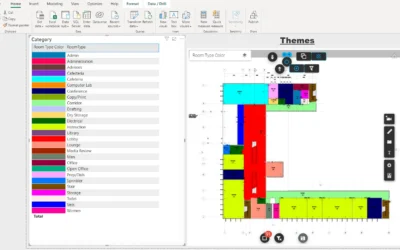
Highlight rooms in 2D views of your Revit files
read more

Continue searching our blog!
In this article we will look at how to apply themes to the rooms in your 2D views in Revit...
If you want to test Vcad you can do it for free in a few steps. Vcad's trial account expires in 10...
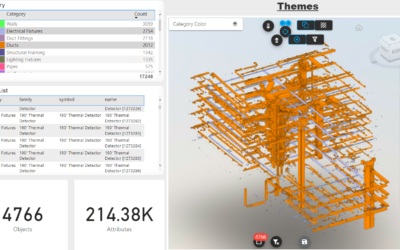
Vcad provides users with a predefined set of Power BI templates both as a starting point for...
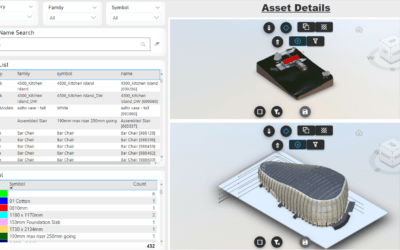
For several reasons it may be useful to add more than one BIM model to the same report or...
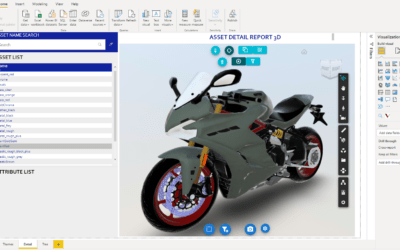
Vcad can now handle .obj files with textures. What is an OBJ file? OBJ is a geometry definition...
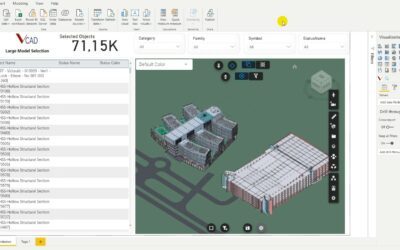
When creating a Power BI report, speed is fundamental; we don’t want our end-users to have to wait...
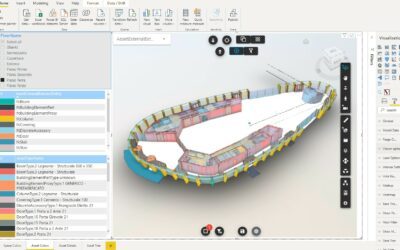
The visualization of a model by levels is very useful in the consultation of the report. In...
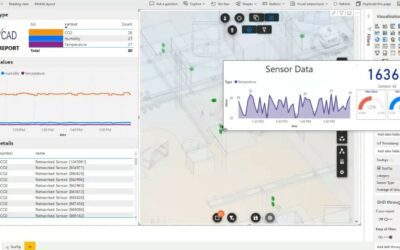
Power BI tooltips are a simple and elegant way to display more contextual data and detailed...
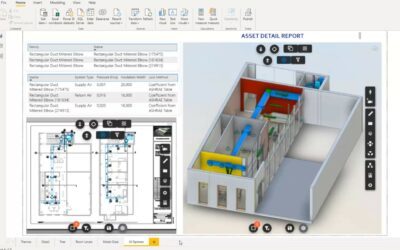
The Vcad and Autodesk Forge® selection toolbars play an essential role in the user experience of...