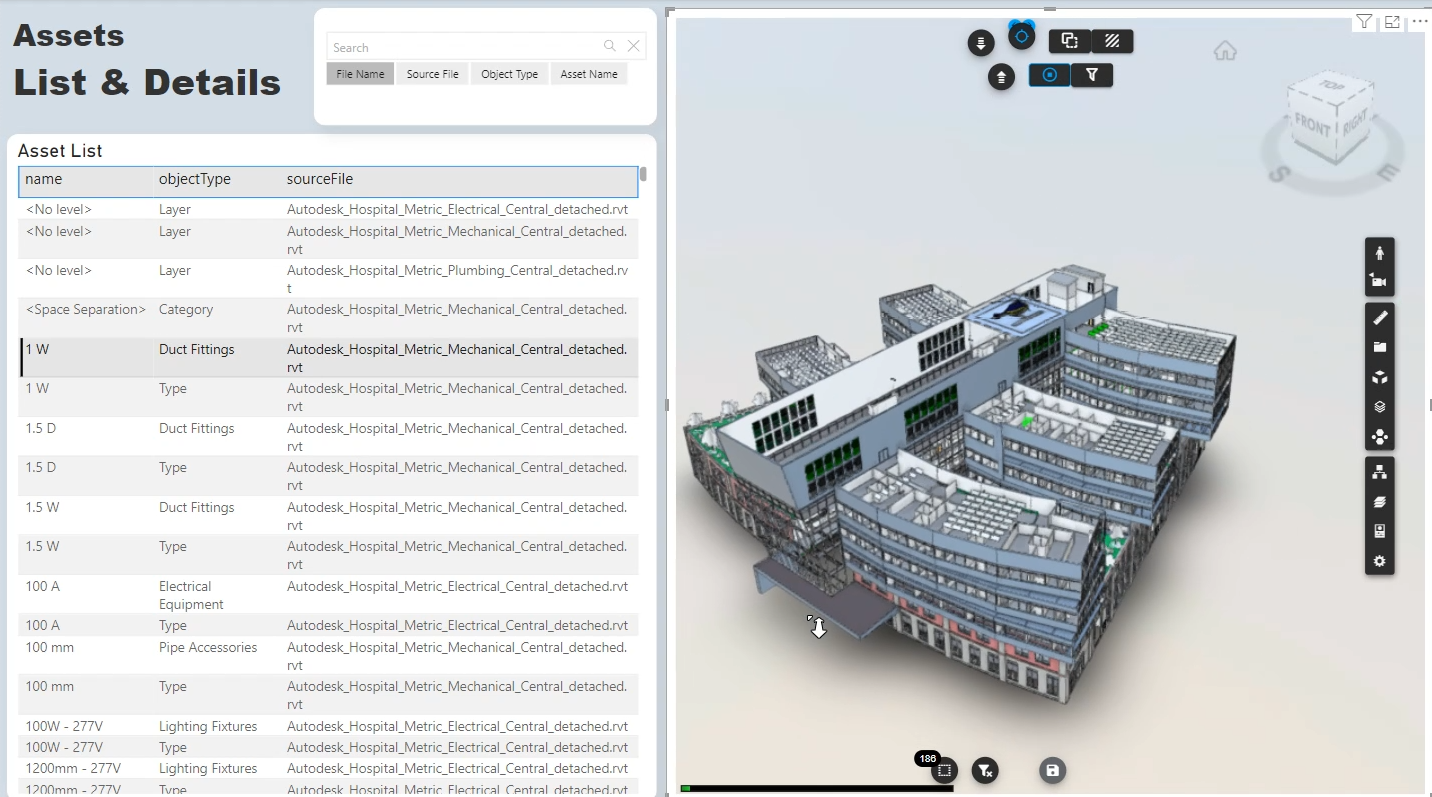
It is often necessary to add a new BIM model to a Power BI report that already contains a model and related data linked to the Vcad viewer. One of the most common cases is when there is a need, for example, to do analysis on data from two different disciplines of the same project.
In the following video we will see how to do this and how it is very easy to import data and connect the Vcad viewer to a second model. The example concerns two Navisworks files and a report made from the “Main Parquet” template of Vcad, the latest and most efficient version available.