Vcad continues to expand with new features designed to enhance BIM data management, simplify model...
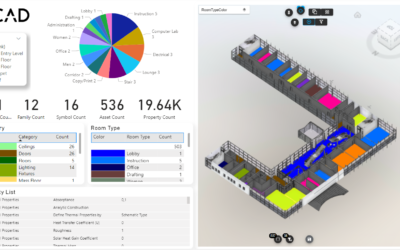
Streamlined slice rooms view in Vcad
read more

Continue searching our blog!
Vcad continues to expand with new features designed to enhance BIM data management, simplify model...

In today's rapidly evolving world, the need for energy-efficient and sustainable building...
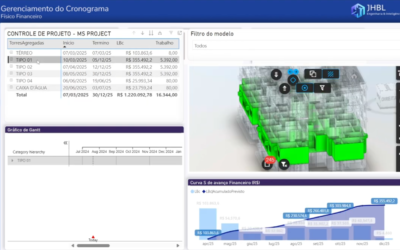
Introduction Construction is rapidly evolving with digitalization, and the use of Building...
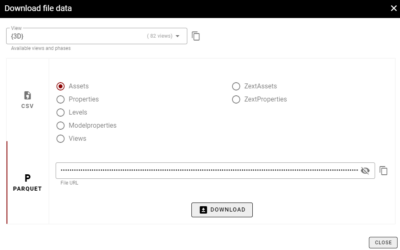
We are happy to introduce a new feature on VCAD. Starting today, it is easier than ever to...
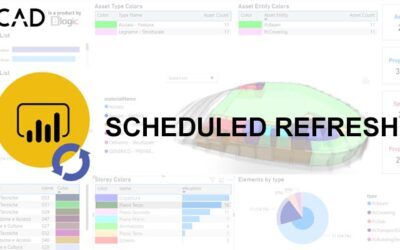
In this article, we describe how you can take advantage of Power BI’s scheduled data refresh using...
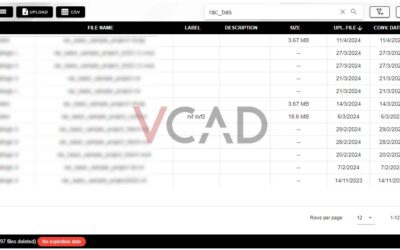
The Vcad Standalone file manager has a new look.We have redesigned the structure of the file...
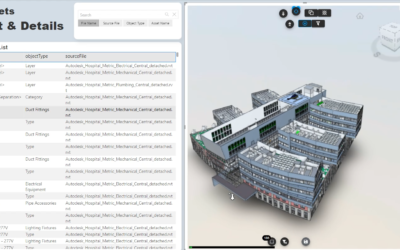
It is often necessary to add a new BIM model to a Power BI report that already contains a model...

Vcad's new templates introduce several new features in terms of usability, optimization and user...
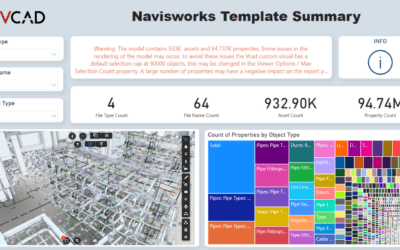
Over the past few months, we have focused on targeted improvements to the Vcad platform, aiming to...