We’ve been hard at work behind the scenes, and the next wave of Vcad updates arrived last...
Vcad Updates: faster, smarter, more connected
read more

Continue searching our blog!
We’ve been hard at work behind the scenes, and the next wave of Vcad updates arrived last...
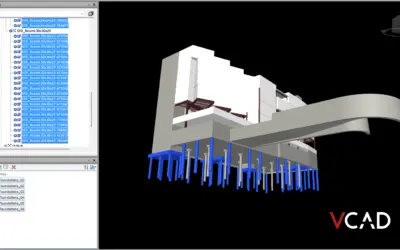
In many BIM projects, Navisworks Selection Sets are already part of everyday coordination...

We’re excited to announce that VCAD will be exhibiting at BIM World Paris 2026, the leading event...

Blogic recently participated in BIM World Munich 2025, one of the key European events focused on...
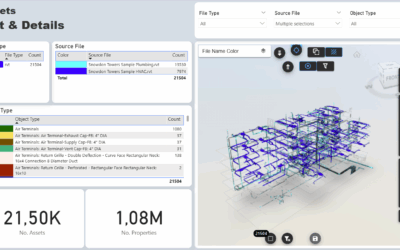
Vcad provides users with a predefined set of Power BI templates both as a starting point for...
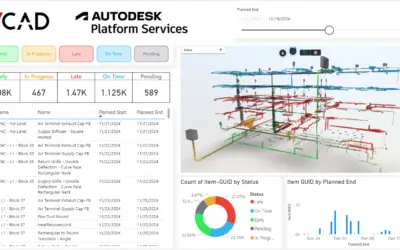
The guide below explains how to use Autodesk Platform Services in Vcad.This allows you to harness...
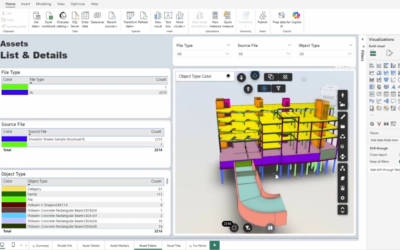
The workflow when using Vcad for Power BI is remarkably simple, we put a lot of work into making...
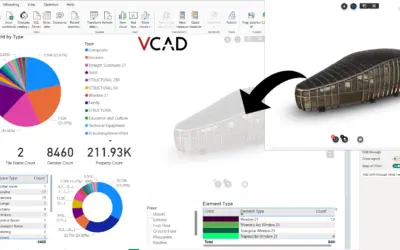
In this article, we’ll walk you through the steps to add the Vcad custom visual to an existing...
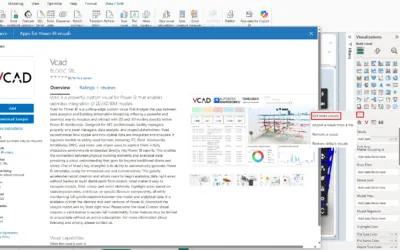
We’re excited to announce that Vcad is now available on Microsoft AppSource, the official...